I took my laptop to the hockey club committee meeting the other night, and people were rightly concerned by the state of the poor thing. To be fair, it looks worse than it is; one corner is totally crushed from being dropped once, but it's just one of the two vents and a bit of plastic. I could replace that but frankly its cosmetic and I'm never one to be too worried about that. However, the poor beast is a decade old at this point.
The Patient
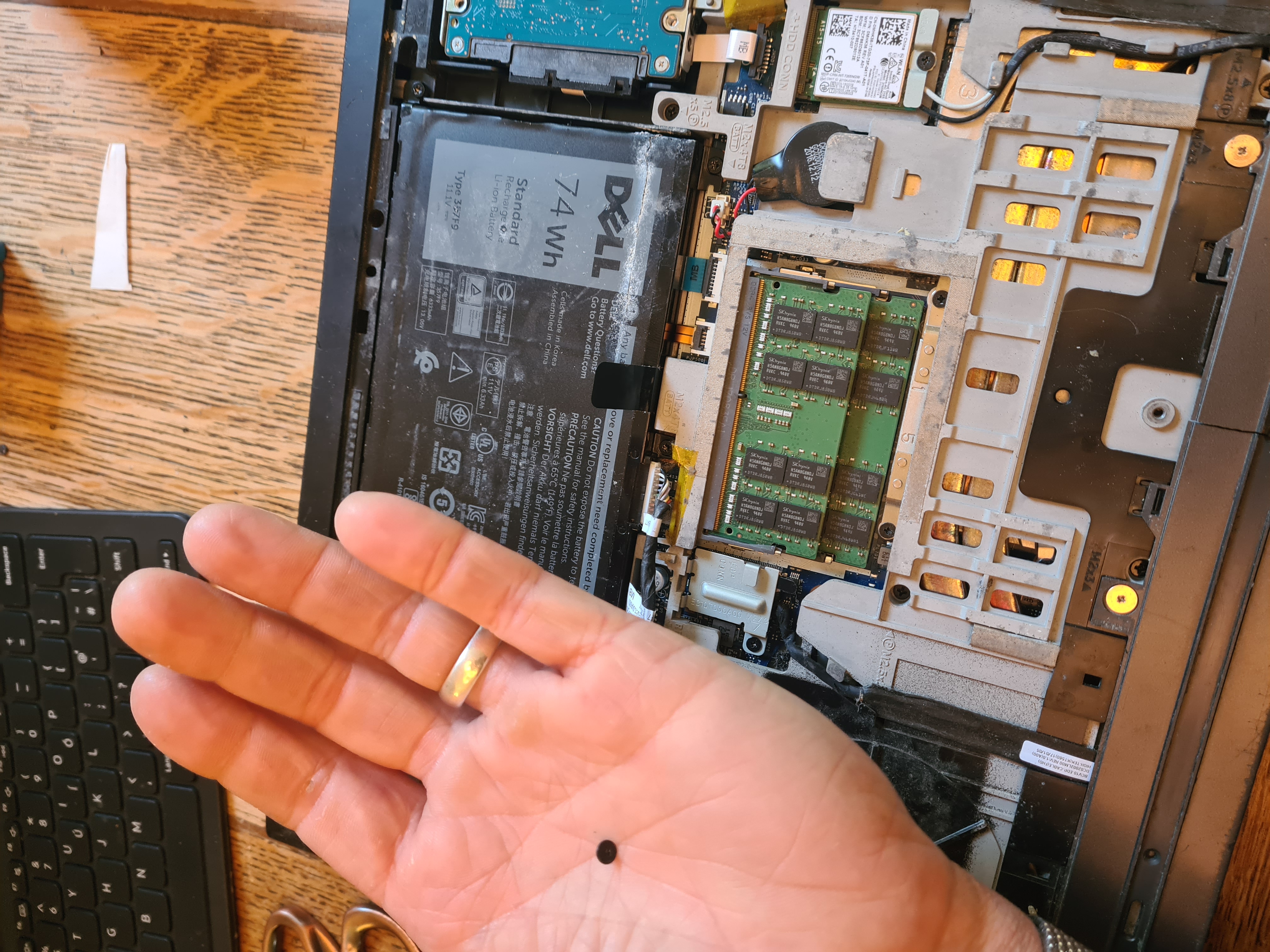
It's an Inspiron 15 7000 series, a fantastic bit of kit at the time it was bought, and entirely serviceable as a daily driver running a few older games, but it spent 3 years on building sites even before the Wife started using it (she cannot be trusted with technology) or the Child started rubbing peanut butter into the keyboard/throwing water over it/standing on it. It's had Windows on it twice, but the insistent pushing of Windows 10 and that Cortana rubbish made me bite the bullet 18 months ago and chuck Linux on it. I'm running Mint, because the Wife needed as close a Windows experience as possible, but I may in fact rebuild it again soon. It's had a couple of RAM upgrades, a disc change, and a battery change, with another due now, but the keyboard finally started giving up a month or so ago. Specifically, the up and left arrows, which is especially annoying being a heavy spreadsheet user and a fan of running stuff in terminal.
Surgery
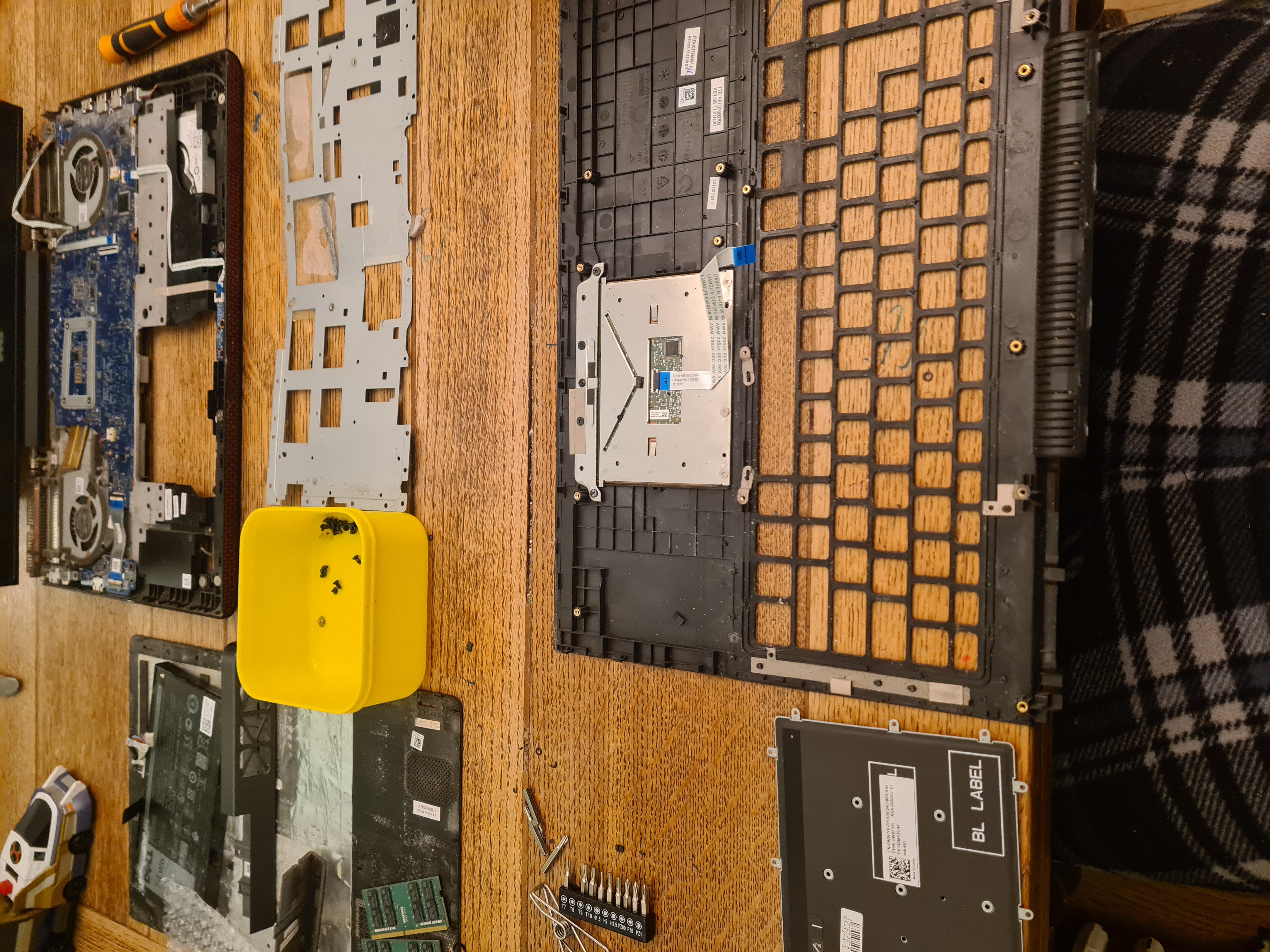
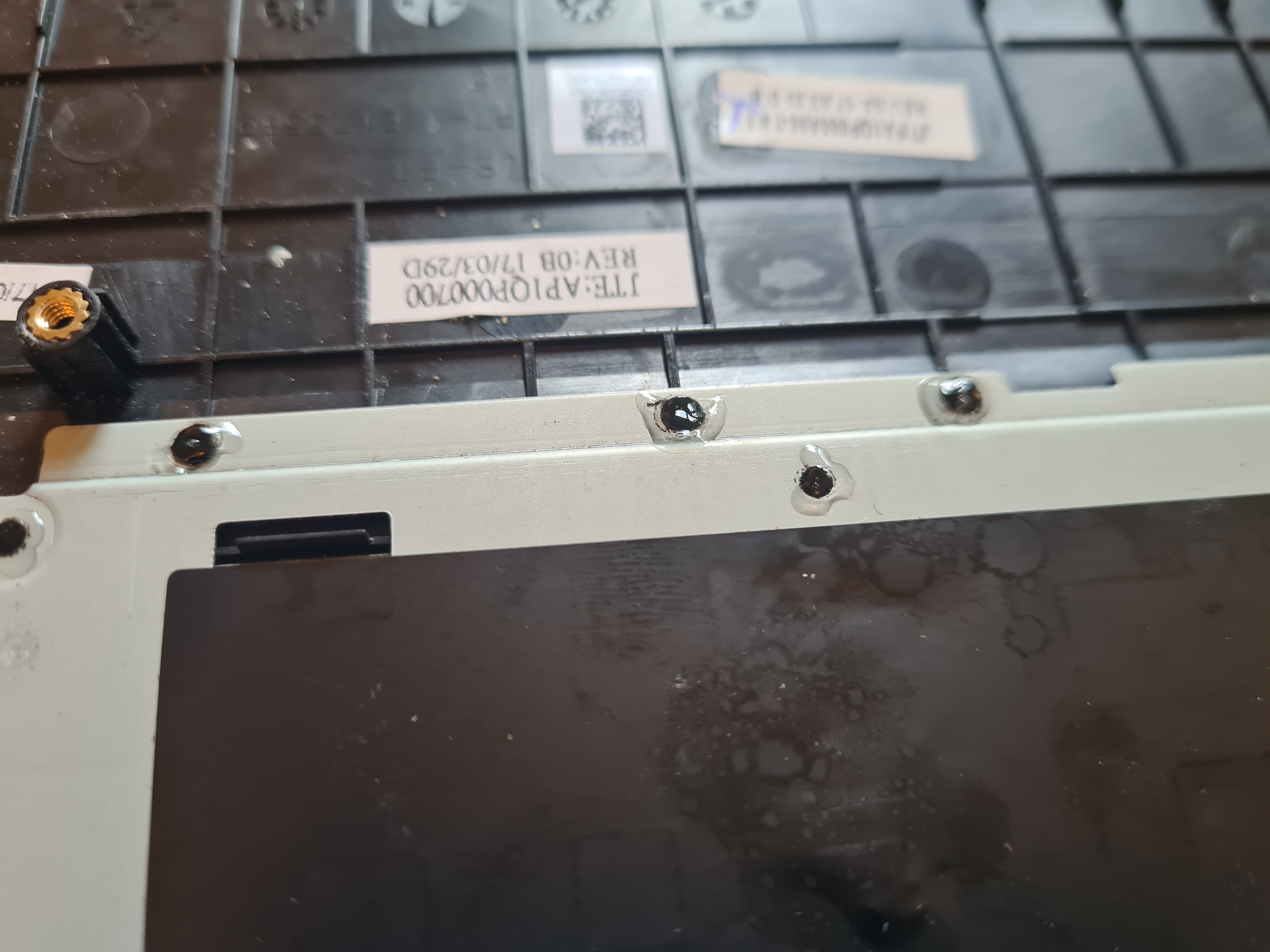
Suffice to say, they really don't want you doing this job yourself. The actual keyboard is plastic welded in place; every one of those has to be snapped off and got out of the way. But with application of double sided tape and painstakingly supergluing every plastic welded peg back on, I'm writing it on it now, so it went well! Nothing online about doing these, I doubt many people bother. Here's to another decade of use.
The CAD Hunt
One of the key things I'm using it for at the moment is the drafting of drawings for the kitchen extension I'm working on. That's also been a battle. I used to use a 'special' version of AutoCad but I gave up fighting getting it to work on Crossover. There's a couple of applications that I just can't find nice Linux proxies for; SketchUp (which does work well through WINE) and its associated programme LayOut (which refuses to work). Because of the failure of LayOut, I've had to revert to manual draughting, which would be fine with AutoCad, but no dice. So the hunt begins. I worked on FreeCAD for an age, but don't find its interface at all intuitive, or its workflow, for the basics of what I need. Tried LibreCAD, again did not like its UI or workflow. So, QCAD. I've been persevering, and I'd probably say once that initial shock of the new is overcome, it's fine. It works, does the job. So with that, and a new keyboard, I have absolutely no excuses for not getting it done!